
Three milliseconds to six milliseconds — that was the entire jitter spread during a four-person client call last month, checked against a continuous ping running in the background the whole time, and it's a tight enough range that most homeowners would never think to measure it. For a Kansas City home office, that number is the real difference between Brightspeed and Spectrum — not the marketing page, not the install-day promises, but what the line actually does once four video feeds stack on it at once. Running both providers into the same basement office in Lenexa long enough to trust the comparison taught me this isn't really a fiber-versus-cable debate so much as an upload-versus-download one.
A quick note before any of the comparison: this article carries affiliate links, and if you sign up for a plan after clicking through one, the provider pays a small referral fee at no extra cost to you. Every provider mentioned here is one I've personally paid for at one address or another, or one a close contact runs day to day, and I drop coverage of any provider that lets its service quality slide.
Suburban Kansas City home offices tend to land on the same fork: stick with the cable company already strung along the block, Spectrum, or sign with the fiber crew digging up the right-of-way next door, Brightspeed. Brightspeed is the CenturyLink spinoff that inherited a patchwork of old copper alongside a fast-moving fiber build-out, racing to lay glass across seventeen states since splitting off in 2022. Spectrum, meanwhile, is the incumbent almost every household already has a bill from, which is exactly why so many home offices default to it without ever lining up the upload numbers side by side.
Spectrum vs. Brightspeed: The Real Question for a Kansas City Home Office
Both networks eventually land on the same modem jack, but they get there on different technology. Spectrum's cable runs on DOCSIS gear shared with the rest of the block, while Brightspeed's fiber line is dedicated to the address it serves — the deeper mechanics of that split are their own topic, covered in full in the piece on why high upload speed matters for Zoom calls. The short version for a home office is that upload capacity, not download capacity, decides whether a call holds together.
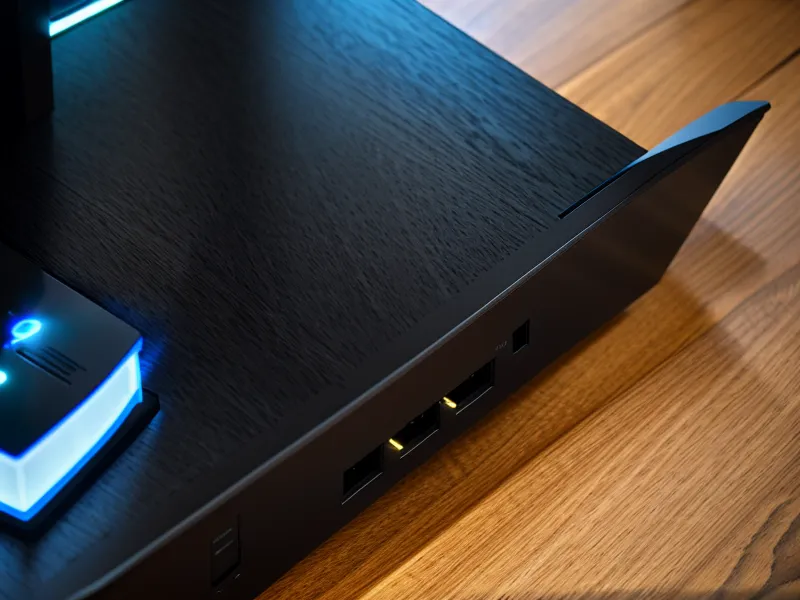
Swapping which line fed the desk during the stretch both were running took nothing more than one cable clicking home in a different switch port — a small, solid click that made the comparison a lot more direct than reading two spec sheets side by side.
My upload ceiling on Spectrum's standard residential tier sits at 35 Mbps regardless of the download tier attached to it, and that ceiling comes from the plan itself, not the wiring — a distinction that cost me a weekend to figure out.
What Does Install Day Actually Look Like?
Install day is where the two companies feel most different. Spectrum sent a technician on schedule, on a standard truck, running a process obviously repeated thousands of times that week — plug in the modem, activate it over the phone, done inside an hour. Brightspeed's crew worked a wider service window, and the technician, a guy named Dale, was upfront about the rollout still being a patchwork of decades-old copper spliced next to brand-new glass depending on which side of the street you're on. My run took close to two weeks longer than scheduled because the underground burial crew had its own backlog, and cancelling an existing line before the new one is confirmed pulling real traffic is not something I'd recommend. In parts of the metro where Brightspeed hasn't reached yet, Quantum Fiber tends to be the closer alternative, with a similar symmetrical setup and none of the copper-era baggage.
Where the Upload Cap Actually Bites
One assumption nearly sent the troubleshooting down the wrong path: a bad ethernet run seemed like the obvious explanation for the slow upload, so a pair of powerline network adapters went in to get a clean line from the router to the office without fishing cable through a finished ceiling. The adapters worked fine as wiring, and the upload number never moved, because the 35 Mbps ceiling was coming from the plan itself rather than the path the signal took to reach the desk. That's the part a lot of Spectrum customers miss — no amount of home-network tinkering fixes a cap the ISP set on purpose.
Is Jitter the Number You Should Actually Be Watching?
Measuring jitter gets a lot less attention than chasing top speed, and most people only notice it once a face on screen starts breaking up mid-sentence. Royce Chesney, a former colleague from a networking project in Chicago who eventually settled in Overland Park himself, is the one who talked me into running a continuous ping instead of a single speed-test snapshot — he's the sort who pushes toward the edge-case test nobody else thinks to run, not the best-case one. That habit is what caught the three-to-six-millisecond spread on Brightspeed during that four-person call, and it's also what showed Spectrum's jitter climbing into the twenties once the rest of the block got home from school and started streaming.
Testing at the address that spring put actual numbers on the gap: Spectrum's peak-time jitter ran 18 to 24 ms against Brightspeed's 2 to 4 ms, and Spectrum's upload throughput held at a steady 32.4 Mbps while Brightspeed's symmetrical gig tier measured 941.2 Mbps on the same line. For anyone entirely outside Brightspeed's current footprint, Frontier and AT&T Internet have both been pushing their own symmetrical fiber tiers hard enough to compete directly with the cable incumbents.
How the Two Bills Compare After Year One
Pricing is where Spectrum tends to lose people who stick around past the first year — a bill increase once the promotional period ends, without much warning, is common enough that my Spectrum internet review for households avoiding long-term contracts covers the year-by-year breakdown in full rather than repeating it here.
Brightspeed's fiber pricing under the Project Fiber banner has stayed closer to what the install slip promised, though some tiers do step up after the first year, so the specific offer in hand matters more than mine. Anyone coming from an old DSL setup rather than cable should read this Brightspeed DSL vs fiber comparison instead, since the copper-based Brightspeed plans behave nothing like the fiber ones. None of this touches what happens at addresses where neither cable nor fiber shows up at all — fixed wireless 5G plans and satellite backups sit in their own separate category, worth a look only once this particular match-up isn't on the table.
Pick Brightspeed for This Household, Spectrum for That One
The households that benefit most from switching are the ones pushing data out, not just pulling it in. A small-business owner named Jared Cabot, who runs a two-person bookkeeping practice from his home in Shawnee, reached out through the site a while back needing to move large client backup files overnight, and for that kind of symmetrical, unattended upload, Brightspeed's fiber tier is the more dependable pick — the upload half of the connection simply isn't the bottleneck that it is on cable.
Households that mostly consume rather than create — streaming, browsing, the occasional video call without much file-sharing — do fine on Spectrum's download speeds, and the monthly bill for a household like that is easy to defend even with the upload ceiling attached.
Either way, check Fiber-to-the-home availability at the specific address in question before committing to anything, since coverage in this metro shifts block by block. If Brightspeed's fiber has already reached the street, that's the plan worth calling about first.