
I was in the middle of a mid-morning Zoom call mid-November when my screen turned into a mosaic of digital oil paintings and the audio turned my client into a robot. As an IT consultant in suburban Kansas City, I know exactly what happened: my cable upload speed had hit a wall. Staring at that frozen screen, I realized my six-year streak of cycling through internet providers was about to hit its seventh entry.
The Asymmetry Trap of Cable Internet
Most of us focus on the big download numbers, but for anyone working from home, it’s the upload that breaks your heart. My previous cable provider utilized the DOCSIS 3.1 standard, which, despite marketing claims of high speeds, usually caps out at a 50 Mbps upload limit. When you have two people on video calls and a cloud backup running in the background, that limit isn't just a number—it’s a bottleneck.
Compare that to symmetrical fiber, which offers a 1000 Mbps upload speed alongside the download. It’s the difference between a local train that stops every three blocks and an express train that flies through the night. I’ve written before about switching from cable to fiber internet after years of slow uploads, but the logistics of making the jump without dropping a single work ticket is where most people get nervous. You don't want to be the person tethering to a spotty phone hotspot while waiting for a technician who is in a four-hour arrival window.
The Overlap Method: Your Zero-Downtime Insurance
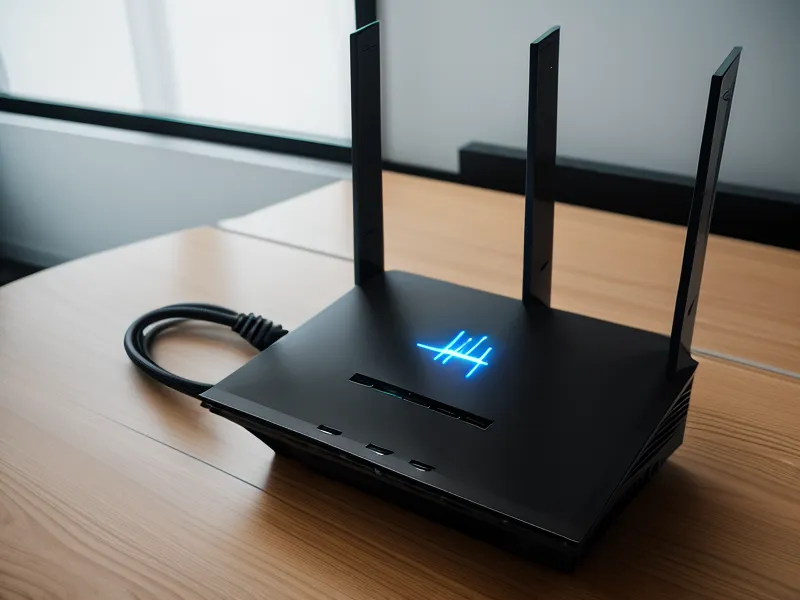
The biggest mistake I see homeowners make is trying to time the cancellation of their old service for the same day the new one starts. It’s like trying to jump from one moving car to another; if the timing is off by even an hour, you're in the ditch. Instead, I use the overlap method. I scheduled my new fiber installation for early January, but I didn't even call my cable company to cancel until I had about two weeks of overlap under my belt.
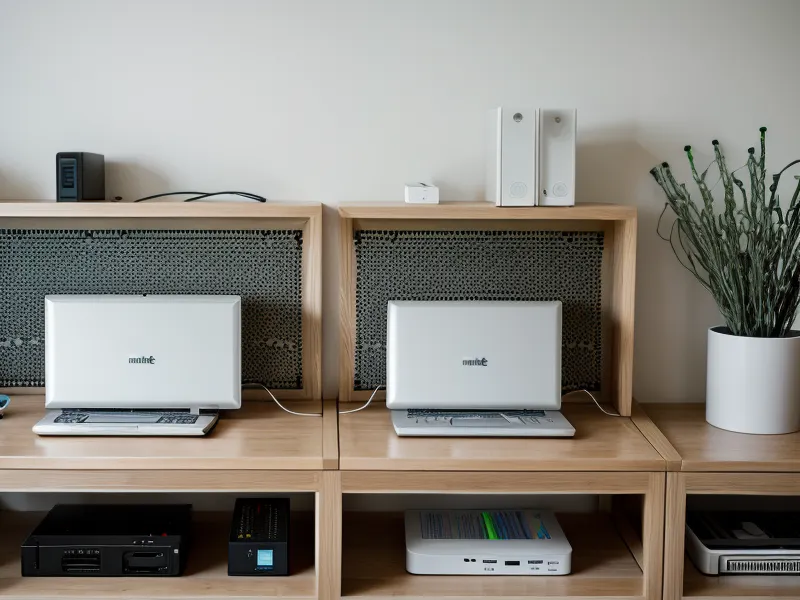
Think of it like a gym membership with a reset clause. You pay for both for a short window to ensure the new one actually works in your environment. During those first few days, I kept both systems running. I had two different Wi-Fi networks in the house, and I manually switched my work laptop to the new fiber line while keeping my 'safe' cable connection active on my tablet. This allowed me to monitor the new line’s stability without risking a client presentation on an unproven connection.
The Contrarian Timing: Why Mid-Workday Installs Are Better
Common wisdom says to schedule your install for a Saturday or your day off so you don't have to 'miss work.' I do the exact opposite. I schedule my installations for a Wednesday morning, right in the thick of the work week. Why? Because if the activation fails or the line isn't provisioned correctly, I want a professional technician standing in my house while the ISP’s Tier 2 support desks are fully staffed and awake.
If a tech has trouble at 11 AM on a Wednesday, they can get a supervisor on the radio in seconds. If they have trouble at 4:30 PM on a Saturday, they’re looking at their watch and thinking about their weekend plans. By being 'at work' during the install, I can immediately test the connection against my actual professional needs—like checking if my VPN stays stable or if the jitter threshold for stable video calls stays well below that 30ms danger zone. I’d rather deal with the distraction of a technician while I'm on a low-stakes call than find out the internet is broken on Monday morning when the tech is long gone.
The Physical Reality of Fiber-to-the-Home
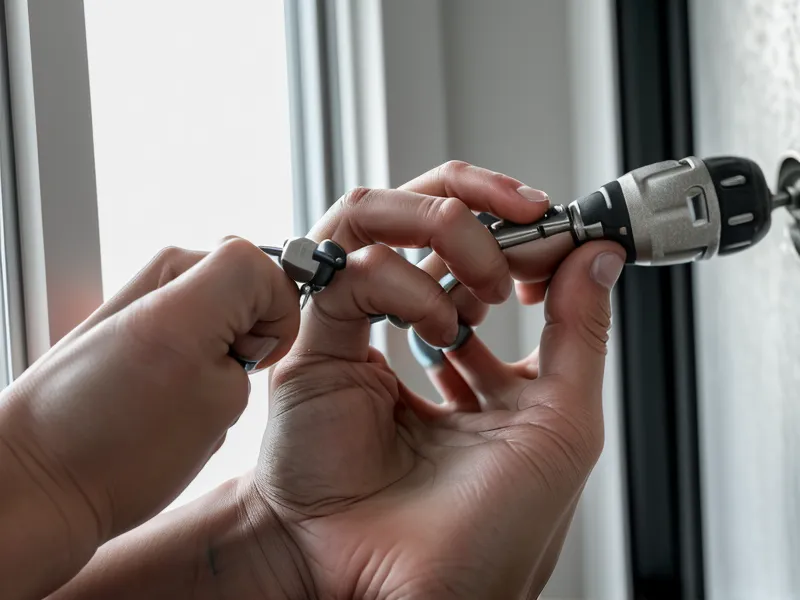
When the technician arrived for my Fiber-to-the-home (FTTH) install, the reality of the switch became very physical. Unlike cable, which usually leverages the existing coaxial outlets in your walls, fiber requires a new entry point for the Optical Network Terminal (ONT). I remember the smell of fresh drywall dust after the technician drilled the new fiber entry point behind my desk. It’s a messy, necessary part of the upgrade.
A surprise finding during this move was the placement. My old cable modem sat in the living room because that’s where the jack was. The fiber tech, however, was able to run the line directly into my office. This changed my entire mesh configuration. Because the ONT was now in a corner of the house rather than the center, my old router nodes didn't provide the same coverage. Having that two-week overlap allowed me to reposition my hardware without the pressure of a looming deadline. I spent one rainy Tuesday morning just walking around with a signal tester, realizing I needed to move my secondary node three feet to the left to avoid a literal dead zone caused by the kitchen pantry.

Testing the Handover
After about two weeks of overlap, I was confident. I had logged dozens of hours on the new line and hadn't seen the ping spike once. My jitter was sitting at a beautiful 15ms, well under the 30ms threshold where video starts to stutter. I remember staring at the two Ethernet cables on my carpet, wondering if I'd accidentally unplugged the wrong one during the client call, only to realize it didn't matter—both were live, but the fiber one was consistently outperforming the cable.
When I finally called to cancel the cable service, the bill transparency—or lack thereof—reminded me why I switch so often. They offered me a 'retention' price that was lower than what I’d been paying for three years, but it was too late. The performance of symmetrical speed had already spoiled me. If you’re looking for a change, I’ve found that the best fiber internet providers with no contracts or hidden fees make this whole process much less of a headache because you aren't fighting a legal battle just to get better upload speeds.
Switching doesn't have to be a gamble. By treating the transition like a professional hardware migration rather than a simple utility swap, you protect your productivity. The peace of mind that comes from knowing your connection won't fail when you're the one sharing your screen is worth the cost of a few weeks of double-billing. I’ve moved six times in eight years across Kansas City, and if there is one thing I’ve learned, it’s that you never wait for the service to fail before you start looking for the exit.